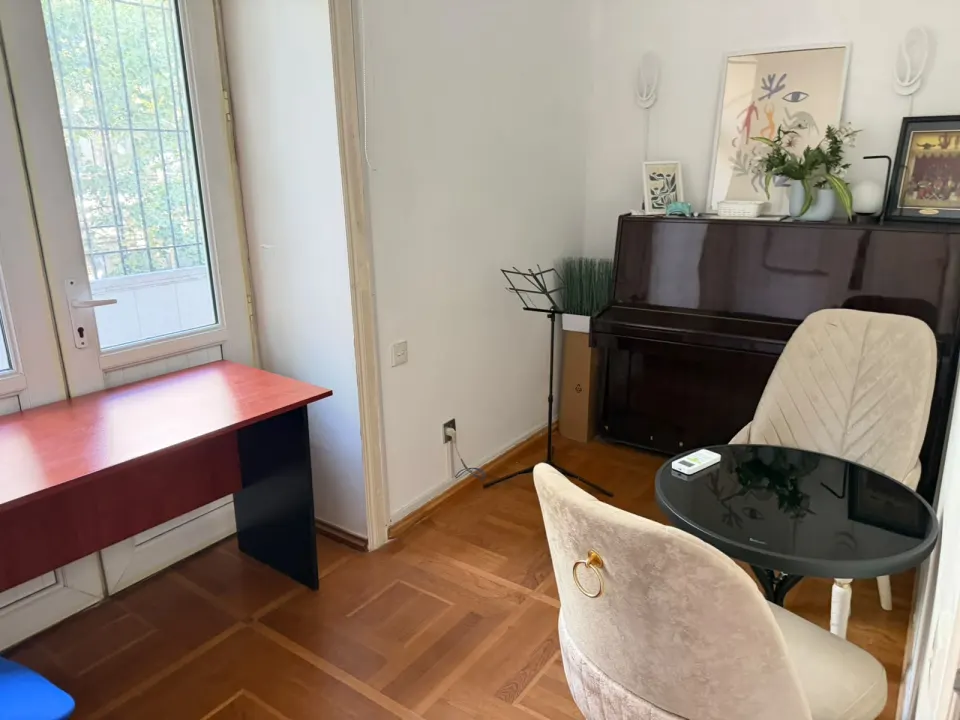
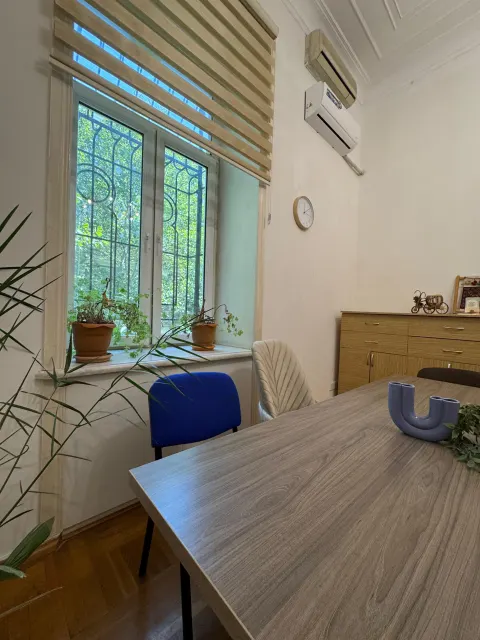
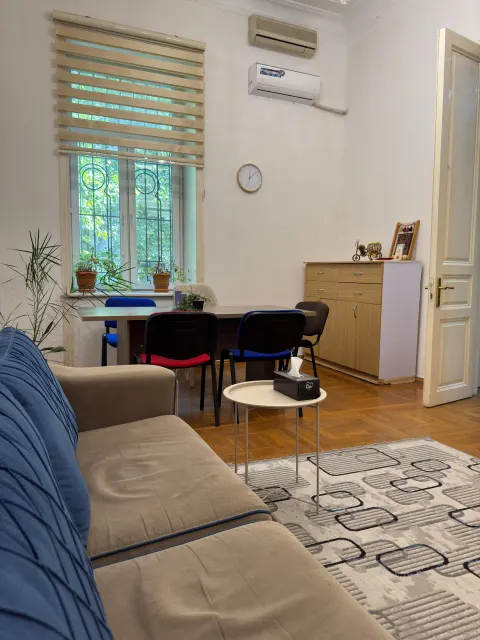
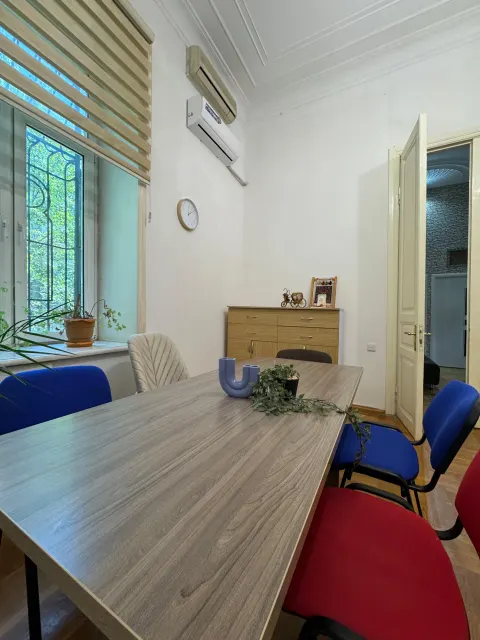
Your Psy Booking personal account works around the clock: pick a room and a date, mark your time on the day timeline, and the booking is confirmed on the spot. Remaining hours, packages, payments and history are always at hand, and the Telegram bot sends confirmations and session reminders.
No back-and-forth messages, no waiting for a reply. You see when a room is free and take the time you need — in the afternoon, in the evening or late the night before a session.
Room, date and time
Choose a room and a day to open the availability timeline for the whole day. Booked slots are visible at once; you simply set the start and end of your session, to the minute.
Room photos while you book
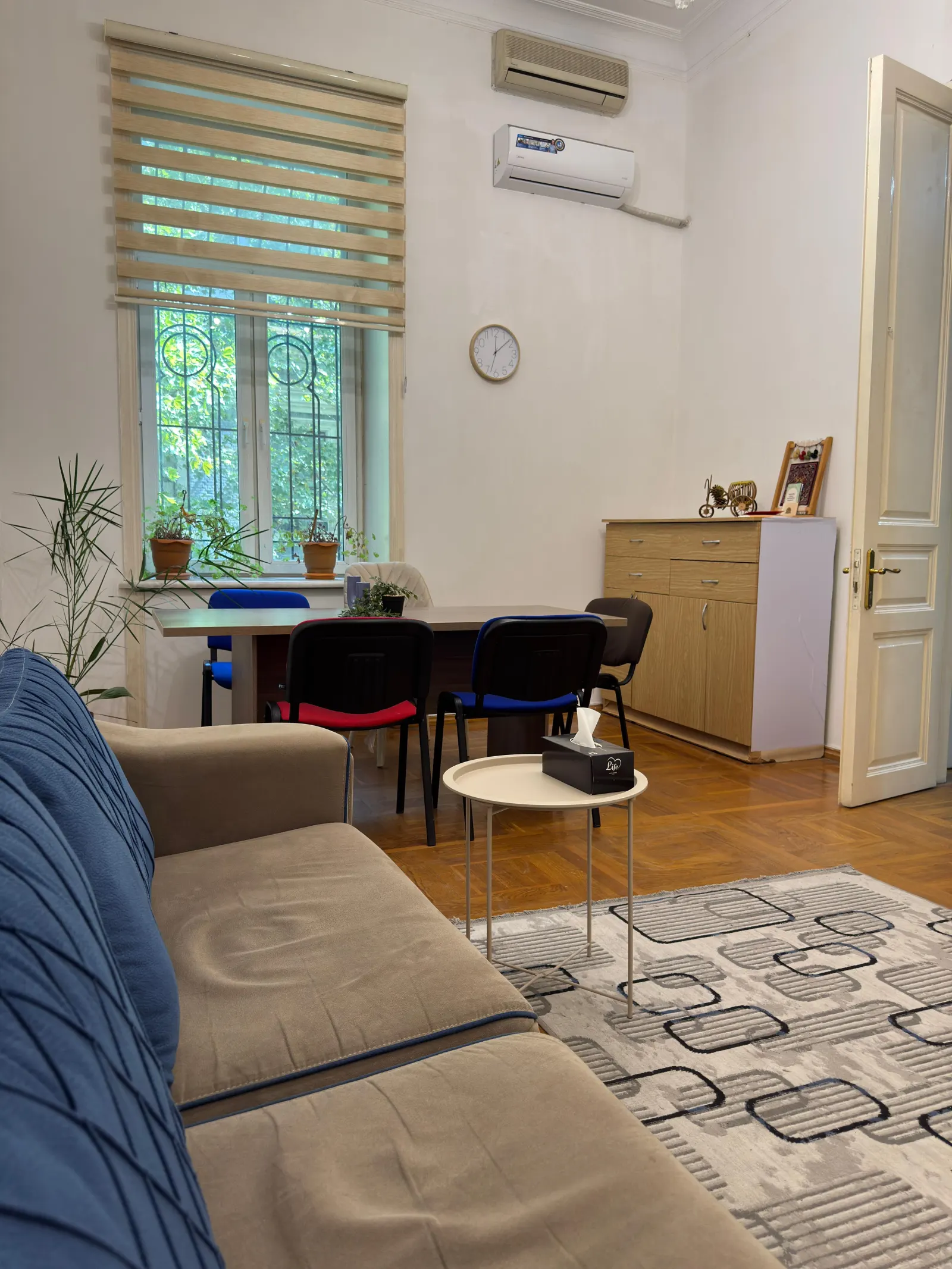
Photos of the selected room sit right next to the booking form — handy for remembering where the sofa or the piano is and picking the right room for the meeting.
Instant confirmation
Bookings are confirmed immediately, with no admin approval. You can book for today as long as the time hasn’t started, and for any date ahead.
Change or cancel yourself
Plans changed? Move or cancel the booking in your account up to 3 hours before the start — free of charge, and the hours go back to your balance.
You pay for the booked time, counted to 0.01 h: a 50-minute session is 0.83 h. There is no minimum duration; a booking starts and ends on the same day.
Illustration: a one-day availability timeline for a room from 08:00 to 22:00. Several slots are marked “Booked” and your booking from 14:00 to 14:50 is highlighted.
3 hbefore the start — the latest you can move or cancel on your own
0.01 hbilling precision — you pay only for your own time
1 mintime-picking precision — start and end to the minute
Personal account
Every number about your rental on one screen
The home page of your personal account shows the essentials at a glance: how many hours are left, how many you have bought and whether anything is owed.
Balance and purchases
Hours left, total hours purchased and the current debt, if there is any.
Each package separately
For every package you see how many hours were bought, how many are used and how many are still left.
Prices for your rooms
A table with the current hourly and package rates — no need to look them up on the site.
Illustration: the personal account home page — hours left, hours purchased, debt, a package with its usage progress and a price table for your rooms.
OverviewInterface example
Hours left49.17 h
Purchased50 h
Debt0 AZN
My packages
50-hour packageB3
bought
50 h
used
0.83 h
left
49.17 h
Prices for your rooms
Room
Per hour
Package rate
B3Large sofa room
18 AZN
from 10 AZN/h
B1Cosmos room
18 AZN
from 10 AZN/h
S2Blue armchair room
16 AZN
from 8 AZN/h
History & balance
Every booking and payment, with a clear running balance
The History page lists everything that happens on your account, newest first. Each line shows how many hours are left and your new balance.
Bookings, cancellations and payments in one feed — with the date, room and hours.
A running hours total and balance after every entry, easy to check against your own records.
Each paid booking is linked to its payment, so you always know what covered it.
Filters by room, date and type of event to find any entry quickly.
Illustration: account history — bookings, a cancellation with hours returned and a payment, each with a running total; the paid booking is linked to its payment.
HistoryInterface example
DateEventHoursLeft
25.09CancellationB1 · hours returned+1.5049.17
23.09BookingB1 · 17:00–18:30−1.5047.67
20.09Payment50-hour package+50.0049.17
19.09BookingB3 · 14:00–14:50 paid−0.83−0.83
Just like an app
Your personal account on your phone’s home screen
Add the site to your home screen and Psy Booking opens with a single tap, just like an app. Nothing to download from an app store — your browser is all you need.
Home-screen icon Opens in one tap Runs in your browser Works on phone and computer alike
iPhone: Share → Add to Home Screen. Android: browser menu → Add to Home screen.
09:41
Psy Booking
Notifications
Important news from the administration won’t get lost
Administration announcements arrive in the notification feed of your personal account — a bell with the number of unread items is visible on every page.
A feed in your account
All announcements are kept in one place, unread ones are marked, and the counter on the bell updates by itself.
Browser push notifications
Allow notifications on your phone or computer, and administration announcements will pop up as system notifications. Push is used for announcements only.
Your devices, your control
The list of devices with push enabled is in your account settings, and you can turn push on or off on your device at any time.
Booking confirmations and session reminders come via Telegram — more on that below. Telegram notifications ↓
Illustration: the notification feed of the personal account with two unread administration announcements, and a browser push notification.
Personal accountInterface example
2Notifications2 new
Important notice
We always announce changes to how the centre works in advance — at least 3 hours ahead.
A reminder about house rules
Please wear shoe covers — both you and your clients.
Psy Booking news
Short news from the centre appears in this feed.
Psy Booking · Browser · now
Important noticeNew message from the Psy Booking administration
Telegram notifications
Follow your room bookings in Telegram
Connect the bot to get Telegram booking notifications: a confirmation for every booking and cancellation, plus reminders about upcoming sessions. Administration announcements can land there too.
New Booking Confirmed
Right after you book: room, date, time and duration, plus your remaining hours and balance or debt.
Booking Cancelled
When you cancel: which booking was cancelled, confirmation that the hours went back to your balance, and the new total.
Session Reminder
Up to two reminders per session: about a day before and a few hours before the start.
Administration announcements
Important news from the centre — when the administrator sends it to Telegram as well.
The bot writes in English — short, clear messages with emoji and numbers. Booking, history and notifications in your personal account stay in your language.
In the top menu of your personal account, open Account Settings → Telegram.
02
Sign in with Telegram
Press the Telegram Login button and confirm in Telegram — it takes one click.
03
Done
Your account is linked: the next booking confirmation arrives in your chat with the bot.
If Telegram Login doesn’t suit you, you can enter your Chat ID manually in the same section.
Comfort & security
Your account, in your language and well protected
Small things that make your work easier: a clear interface, protection against password guessing and privacy for your clients.
Three interface languages
English, Azerbaijani or Russian — the language switcher sits in the top bar of every page of your personal account. The Account Settings page is in English only for now.
There is no self sign-up. Message us on WhatsApp or call — the administrator creates your account and gives you the e-mail to sign in with and a temporary password. On first sign-in you set your own password and accept the rental agreement online.
How do I turn off push notifications?
Open Account Settings → Notifications and press Turn off on this device on the device where you no longer want push. The list of devices with push enabled is there too. Push is only used for administration announcements.
Can I pay for hours online?
No, there is no online payment on the site. Payments go through the administrator — in cash, by card or by bank transfer — and each one is recorded and appears straight away in your personal account history.
How late can I change or cancel a booking?
On your own, up to 3 hours before the start. Such a cancellation is free and the hours return to your balance. Later cancellations and no-shows are not refunded.
What language are the Telegram messages in?
The bot writes in English: New Booking Confirmed, Booking Cancelled, Session Reminder. The personal account interface can be switched to English, Azerbaijani or Russian.
How can I tell which payment covered a booking?
On the History page, each paid booking is marked and linked to its payment, and every line shows your hours left and balance. You can filter by room, date and type of event.
Is there a mobile app?
There’s no separate app, and you don’t need one: the personal account works comfortably in your phone’s browser, and you can add the site to your home screen to open it with one tap, like an app.
Book your room online from day one
Message us on WhatsApp — we’ll open your personal account and help with your first booking. Already with us? Sign in and pick your time.